Outgoing spam score not available

Hi!
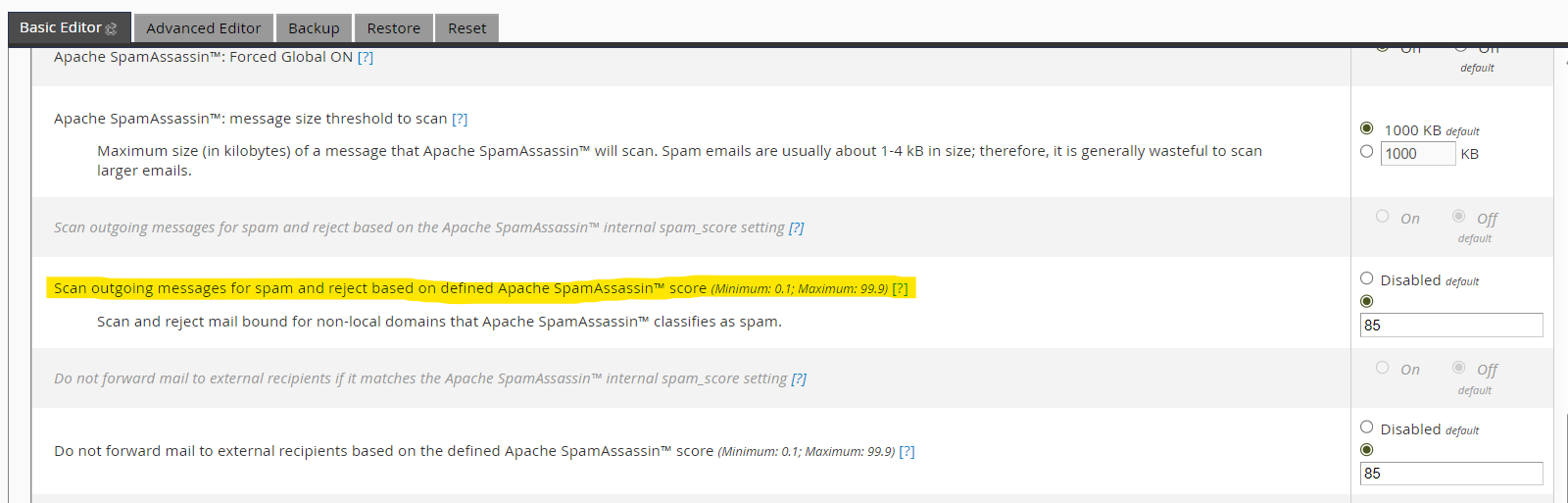
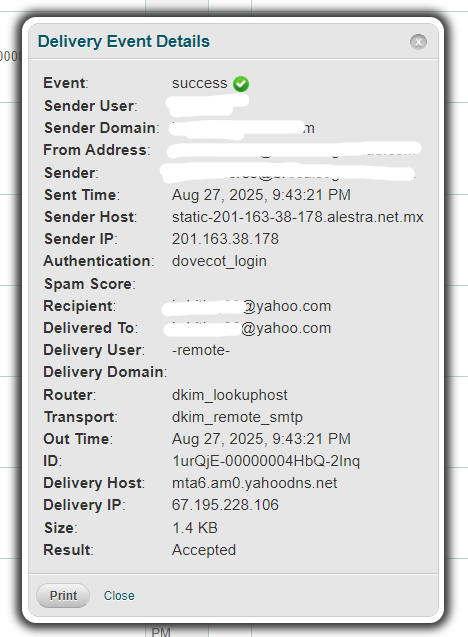
In Exim I have the options enabled to scan outgoing email and block it if the score is high. I had some cases of mass spam sending that were not blocked. To be able to adjust that value, I want to see what score a normal email gets and what score a spam one gets. In Mail Delivery Reports, the spam score for all outgoing messages does not appear, and for many incoming ones it doesn’t either. Could this be a bug, or am I looking in the wrong place?
-
Update.
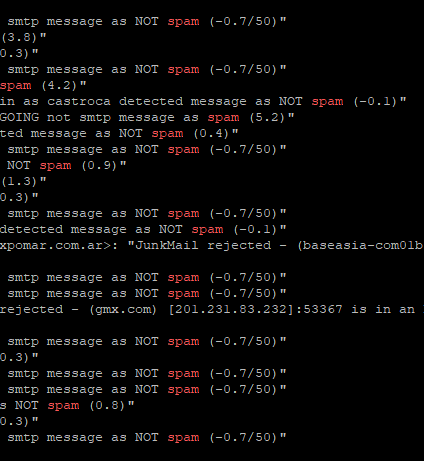
I found the scores in the Exim logs. I realized my values were too high, so I lowered them to 5 and now it seems to be fine.
Still, I’d like to know if there’s a way to see these scores without having to check the logs.
 0
0 -

Hey hey! There isn't really a better way to figure out the score other than the logs. We do have some more detail here that you might find helpful:
but it sounds like you've already got it.
0 -
Thanks Rex!
Can you tell me the difference between these two options?
I understand the second one uses the score we put the field, but I do not know witch score uses the first option.- "Scan outgoing messages for spam and reject based on the Apache SpamAssassin™ internal spam_score setting"
- "Scan outgoing messages for spam and reject based on defined Apache SpamAssassin™ score"
0 -
Those options are detailed here:
"Scan outgoing messages for spam and reject based on the Apache SpamAssassin™ internal spam_score setting
This setting allows Apache SpamAssassin to scan and reject messages to non-local domains with a higher spam score than Apache SpamAssassin’s internal
spam_scoresetting of5.""Scan outgoing messages for spam and reject based on defined Apache SpamAssassin™ score
This setting allows you to set the
spam_scorethreshold that Apache SpamAssassin uses to determine when it rejects messages to non-local domains. To enable this setting, enter a number to use as a minimum spam score in the text box.- This value must be a number between
0.1and99.9. - This value only accepts one decimal place.
Note:- This setting does not affect outbound forwarded mail. Forwarders use the Do not forward mail to external recipients based on the defined Apache SpamAssassin™ score setting.
- Enabling this setting disables the Scan outgoing messages for spam and reject based on the Apache SpamAssassin™ internal spam_score setting setting.
This setting defaults to Disabled."
Does that help to clear things up?
0 - This value must be a number between
Please sign in to leave a comment.
Comments
4 comments