Unable to access Terminal(both cpanel and WHM)

It shows something like this as in image below.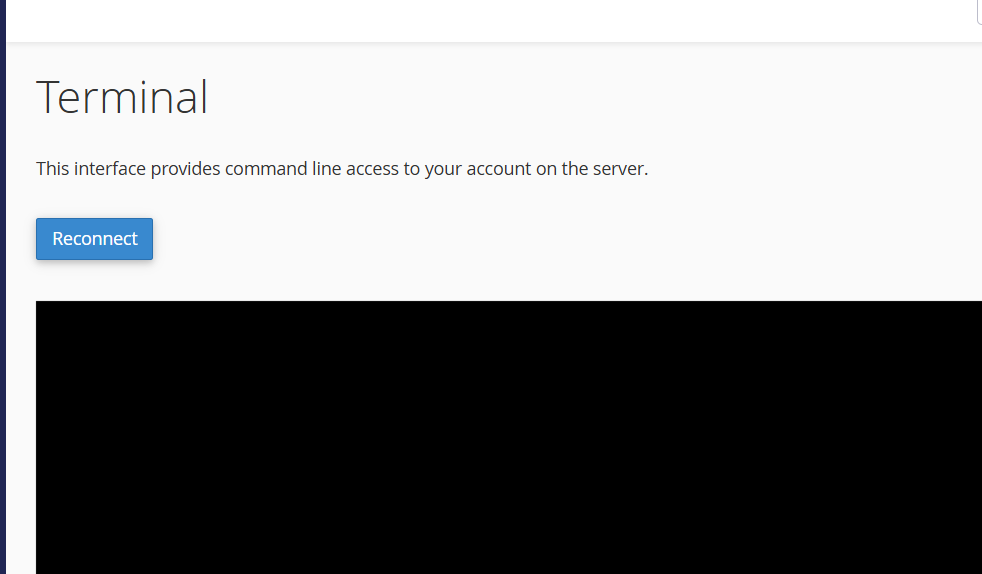
When i click on the reconnect it shows "opening connection" and return back to the same "reconnect".
-

Hey there! Whenever there is an issue with the cPanel interface, the first and best place to check for more data is always the cPanel error log at /usr/local/cpanel/logs/error_log.
Do you see anything helpful there while you try and load that page?
0 -
Hi,
To investigate the issue, access the server via SSH using a terminal client such as PuTTY, MobaXterm, or any similar tool. Check the server’s disk space and review the logs. Additionally, verify through WHM’s Service Manager that all essential services are running correctly. If nothing unusual appears in the logs, temporarily disable the CSF firewall and test again. If the problem persists, restart the cPanel service using the commandsystemctl restart cpaneland check once more.0
Please sign in to leave a comment.
Comments
2 comments