SiteJet Support - cPanel

-

Hey hey! It's not clear to me where you're seeing that Plesk license error, but if there is *ever* any reason you can't open a ticket, please reach out to cs@cpanel.net and they'll get you pointed in the right direction.
0 -
Hello,
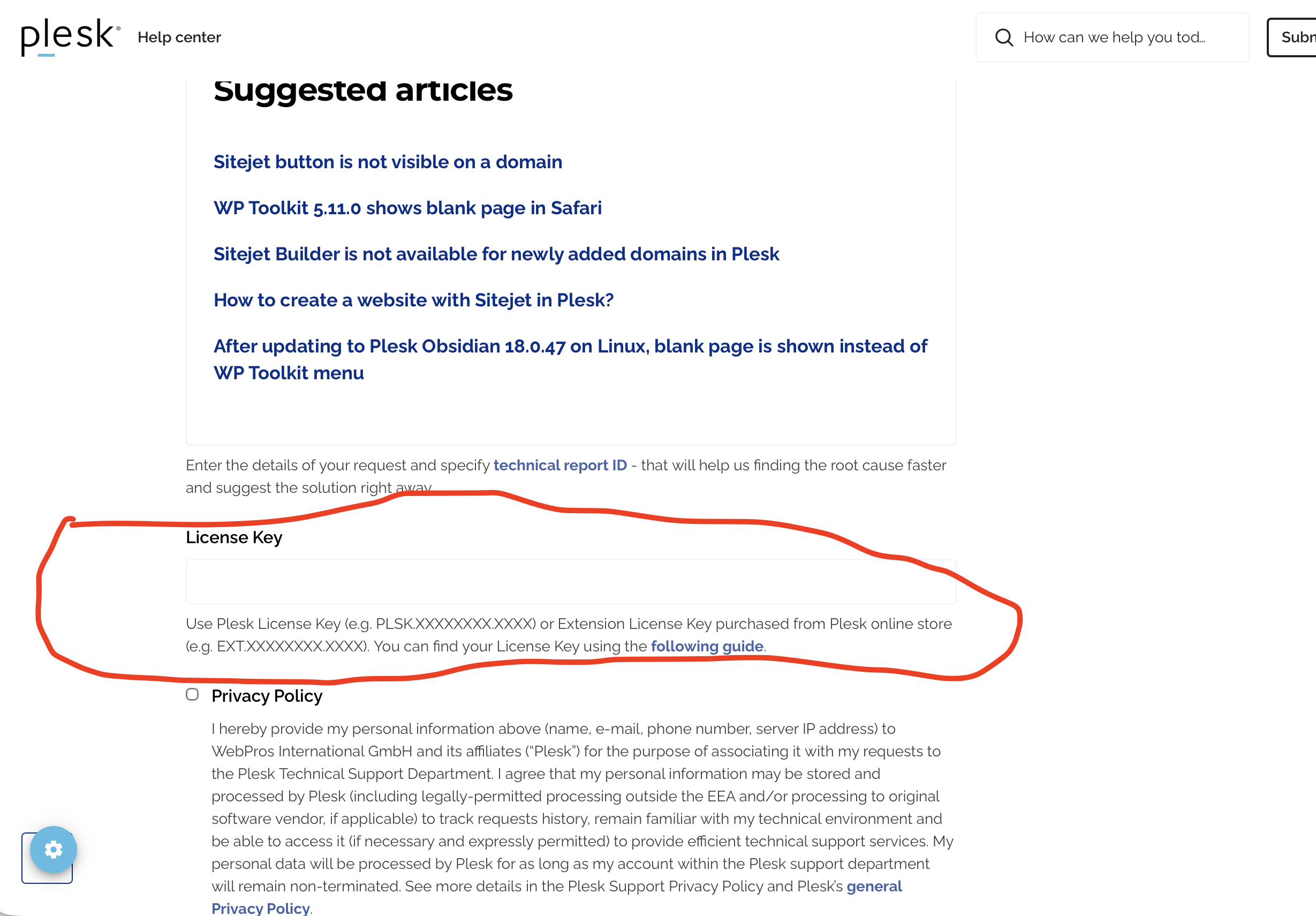
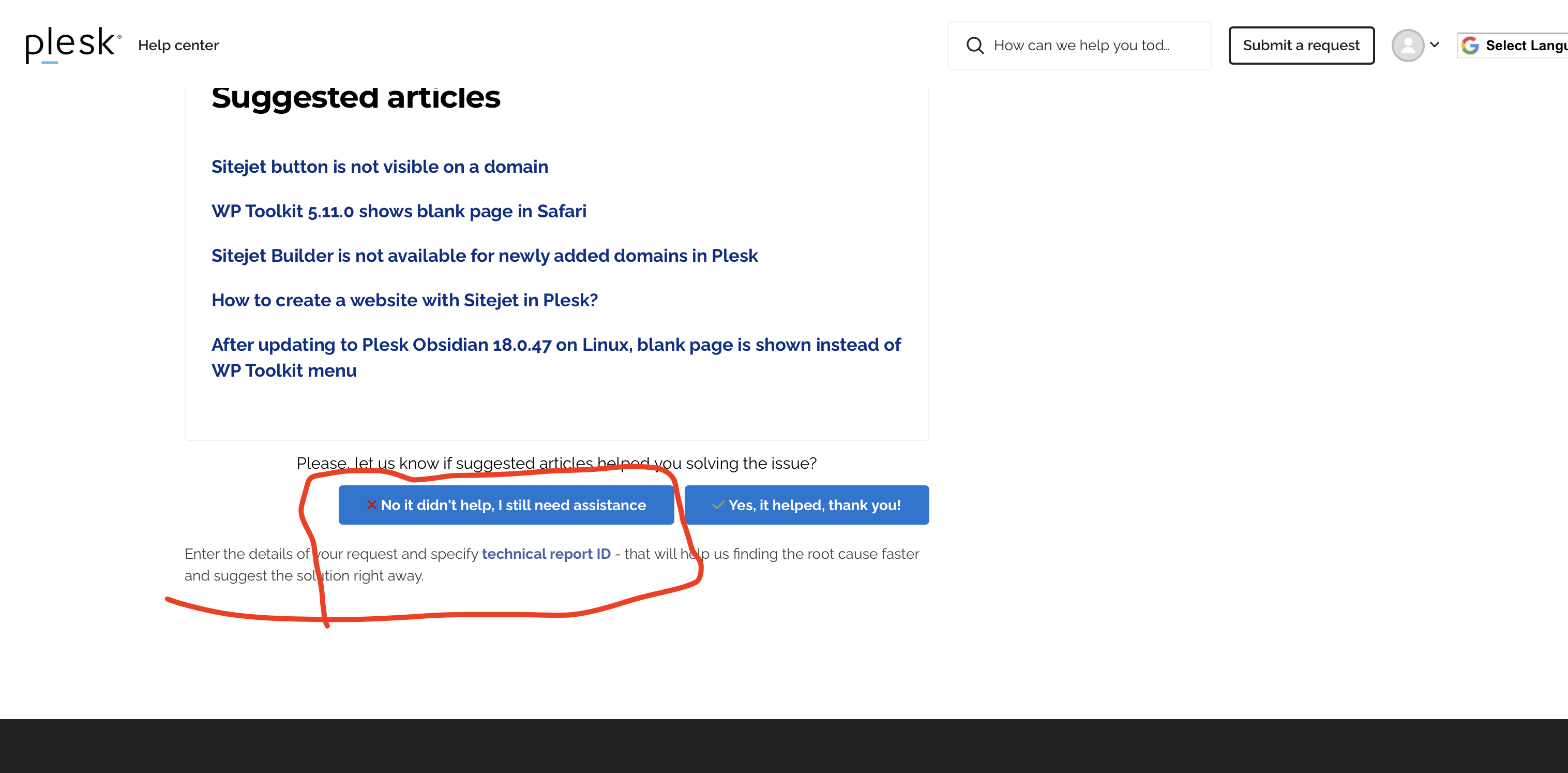
Thanks. I had tried to use the help link in sitejet.io. It will not allow you create a ticket without a plesk license. Seems odd that they would not have created a cPanel version to avoid confusion.
I'll try cs@cpanel.net next.
The original issue was in sitejet. I had created an area for a blog. When clicking the link to the detail of the entry the page was blank.
After digging, it looks like sitejet farted and lost the Blog: single page template configuration. While I manually recreated it, it is not a confidence build to have a part of the web site reset to blank when no one had been in the edit for months.
Maybe Sitejet is not ready for production use.
0 -
Hello,
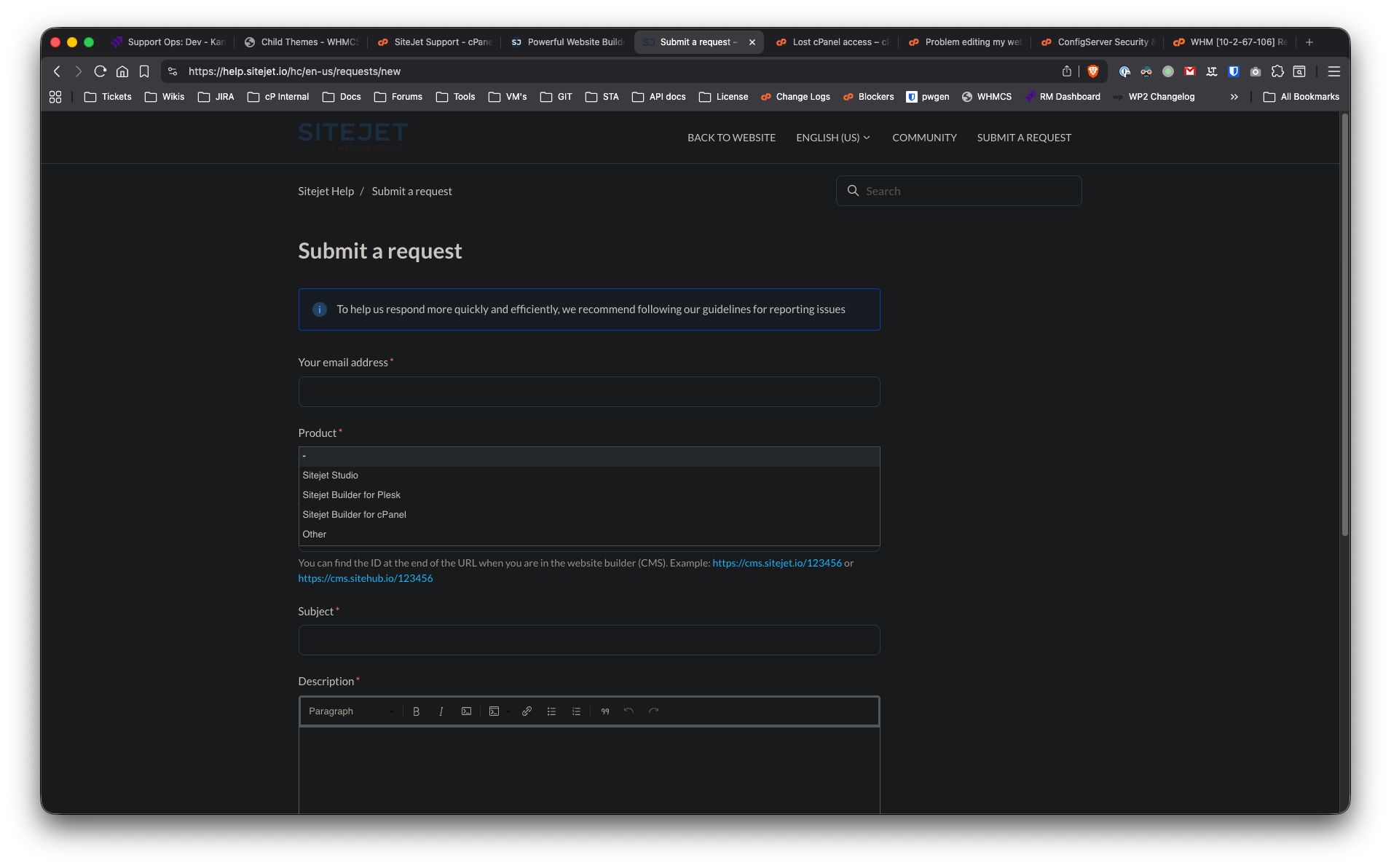
I'm not sure where you're seeing that. I went to sitejet.io and clicked on Support and Submit a request. I see the page (see below). There's a drop-down for Product. One is for Sitejet for Plesk, the other is for Sitejet for cPanel and then there's Sitejet Studio and Other.Did you select the correct option here?
 0
0 -
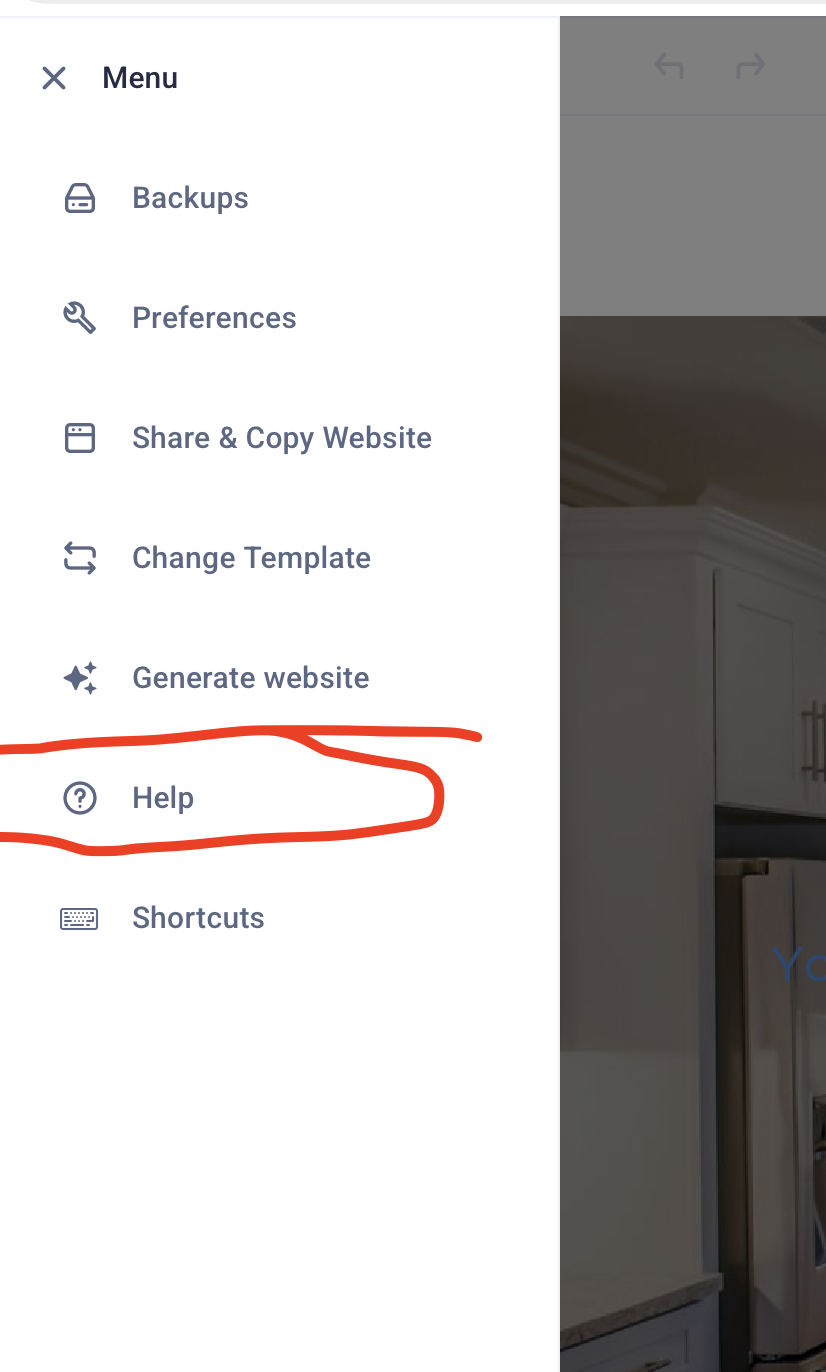
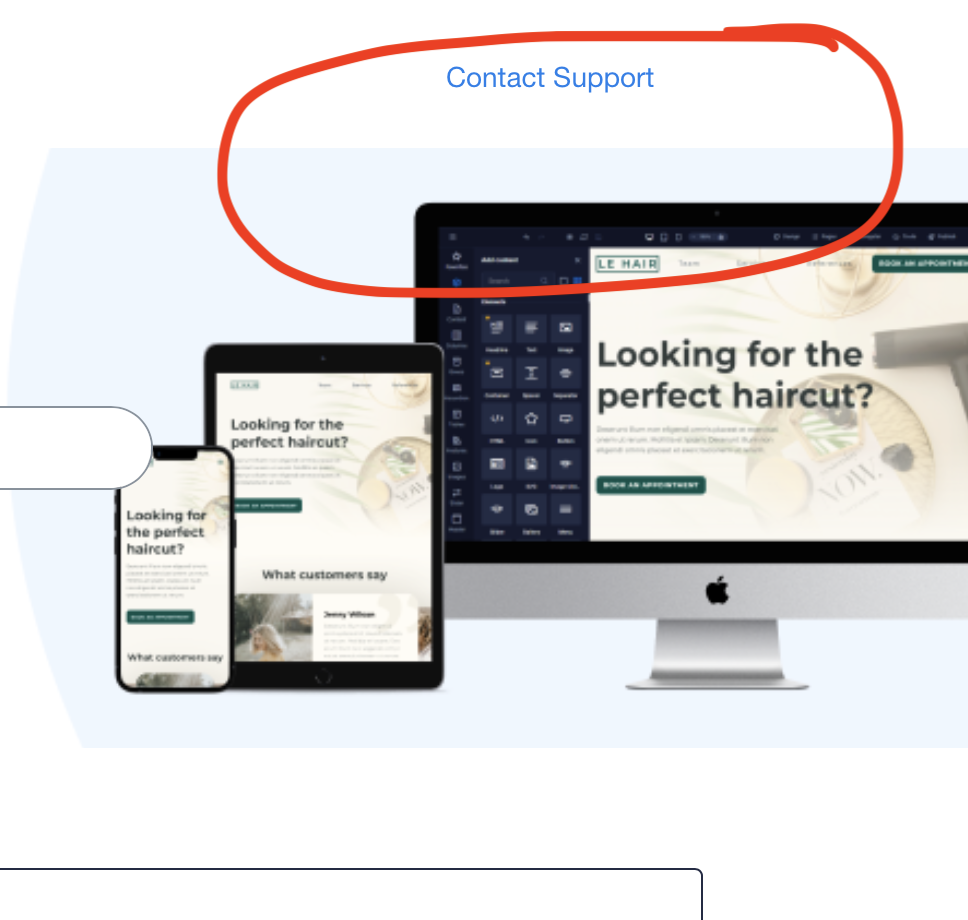
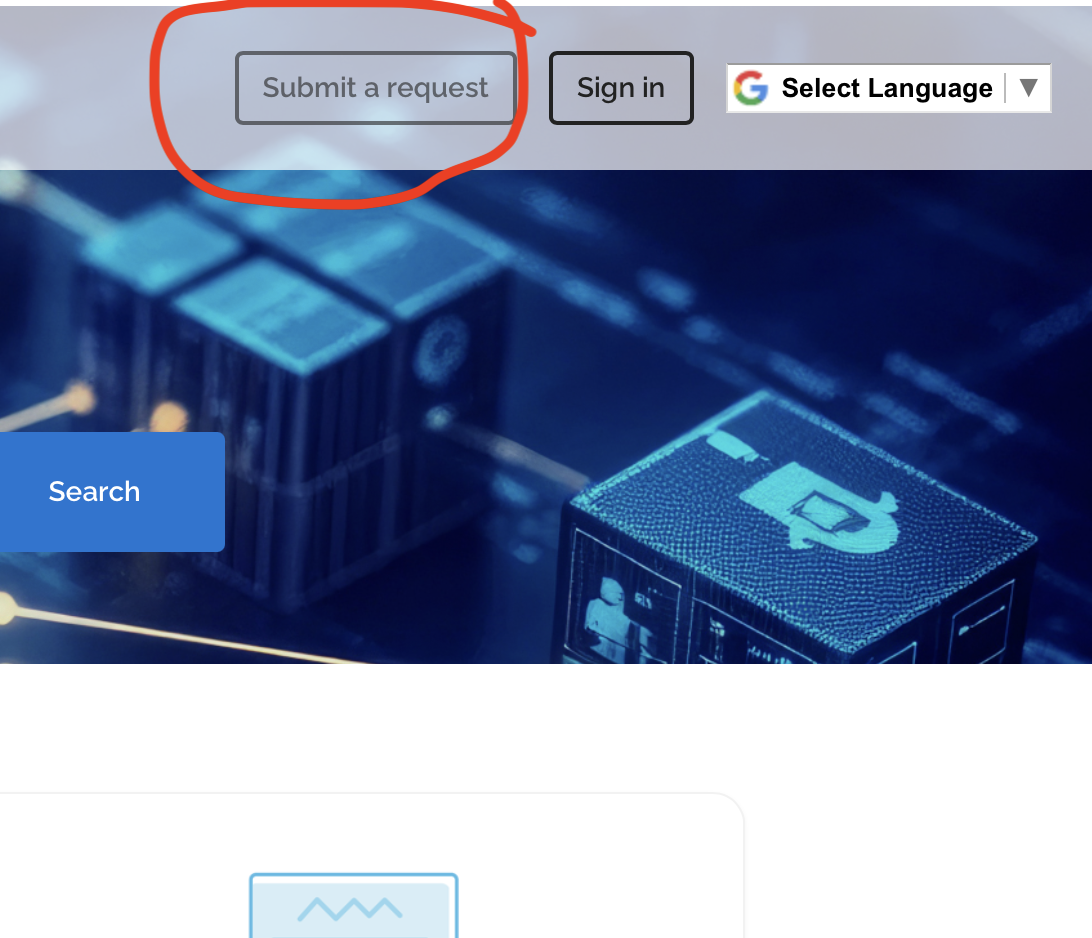
See attached images. You have submit your initial issue, then say you still need help.
 0
0 -
Hello,
Thank you. I just duplicated this and will file a case now with our developers.0 -
That would be great.
Just to be clear, how do my end users get sitejet support? Do they open a ticket with me then I open a ticket with cPanel at the server level?
Ot can any of my users just email cs@cpanel.net for sitejet support?
Thanks,
0 -
Hello,
For now, they would need to open a ticket with you and you can contact us.
Regards,
0 -
That is helpful.
Thanks.
0 -
Hello,
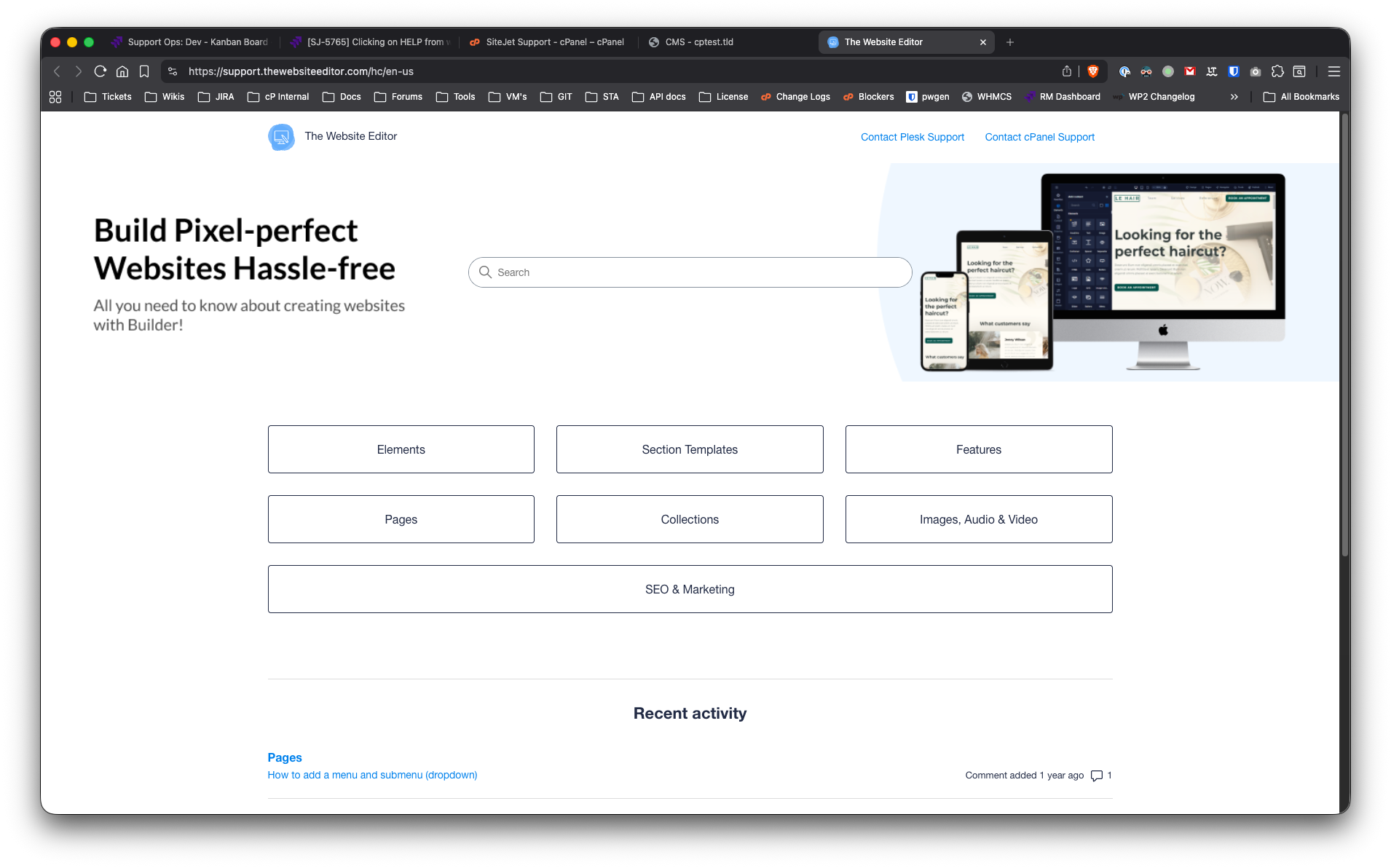
Our team has updated the Help page. Clicking on help, now goes to https://support.thewebsiteeditor.com/hc/en-us
and there's an option to contact either Plesk Support or cPanel Support accordingly.
Hope that helps.
0 -
Hey that is great!
That will make it more clear for all users.
Thanks,
0
Please sign in to leave a comment.
Comments
10 comments