Restrict passwords containing Username or Domain Name

Hi everyone,
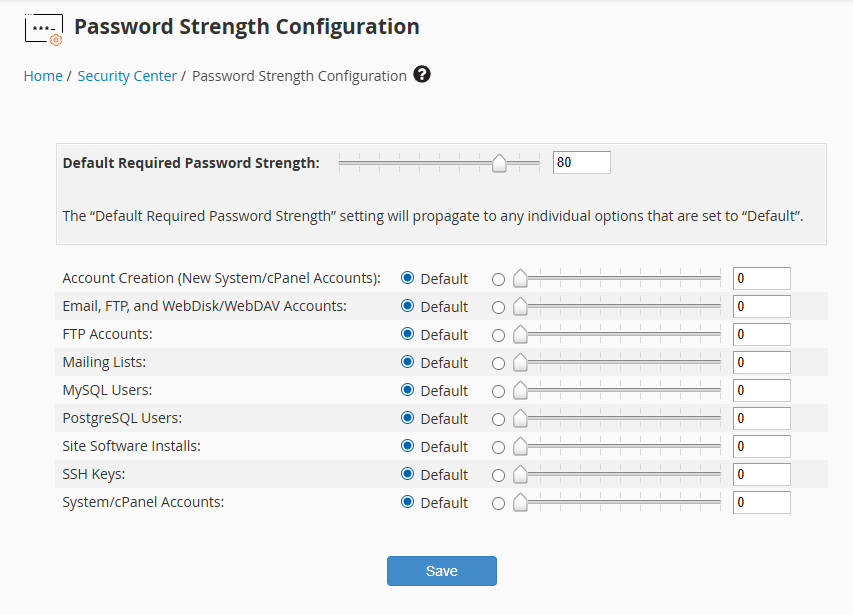
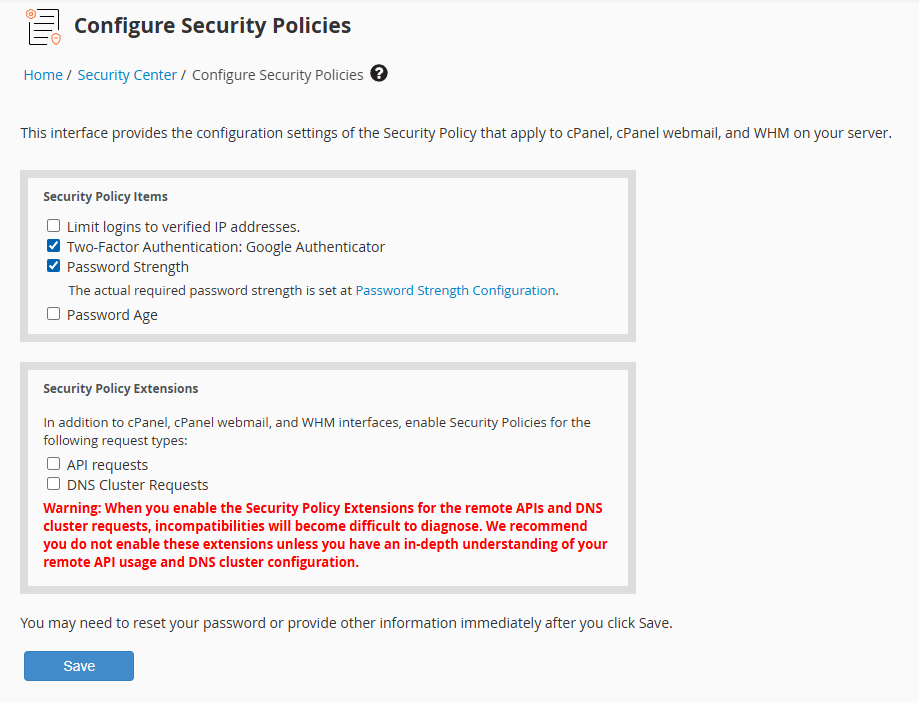
I have encountered an issue regarding the Password Strength enforcement. Despite setting the Password Strength requirement to 80, users are still able to set passwords that include their username or domain name.
In my environment, many non-technical users have a habit of using these identifiable strings, which makes their accounts highly vulnerable to guessing or brute-force attacks. I am constantly having to manually restrict accounts and force password resets, which is inefficient and repetitive.
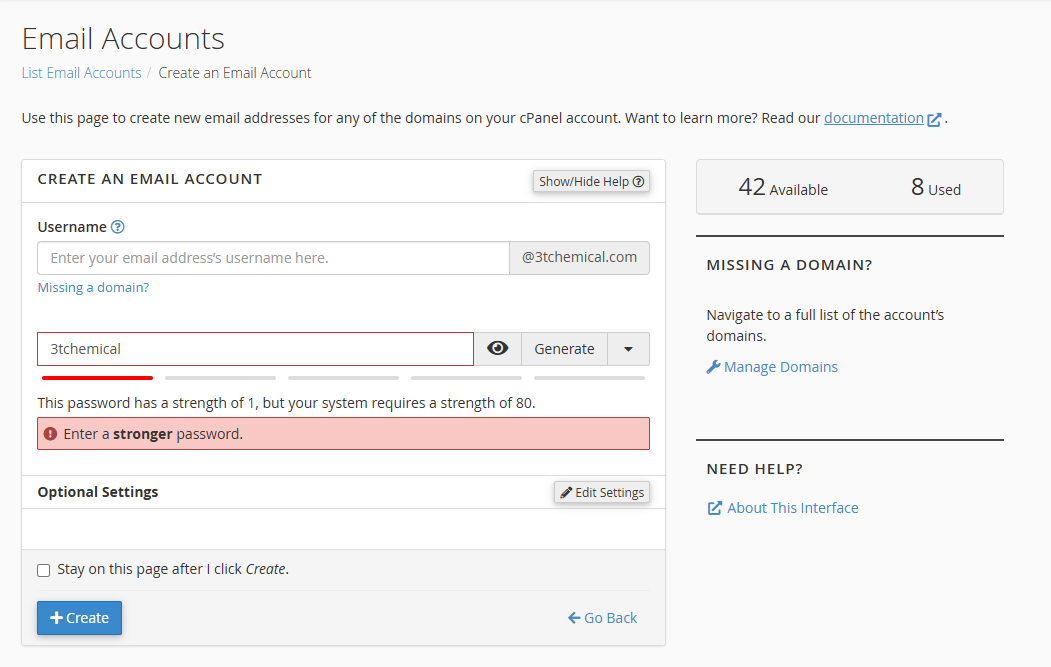
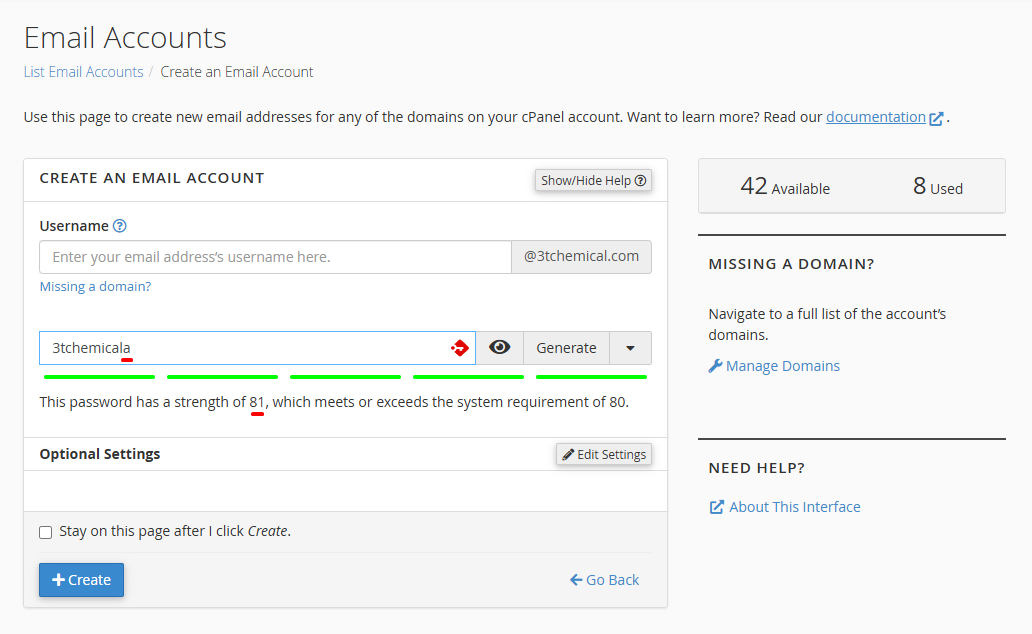
Please refer to the attached images. I performed a test where I simply pasted the domain name and added a single trailing letter "a". Surprisingly, the password strength score jumped from 1 to 81, allowing the password to be saved.
I would like to ask: Is there a way to strictly enforce a policy that completely rejects any password containing the account's username or domain name, regardless of the overall strength score?
I look forward to your technical guidance on this matter.
Best regards,
-

Hey hey! I'm wondering if this is partially dependent on the username itself. I tried this with a username on my personal machine, then added a single "a" at the end and the score remained at 1 out of 80. Adding an "a" to the beginning also resulted in the same behavior.
A change to the password behavior would be handled through our Feature Request system. Would you like me to submit a request for you to ensure that the username should not be allowed as any part of the password?
0
Please sign in to leave a comment.
Comments
1 comment