Roundcube webmail slow loading

Dear all,
I am experiencing a severe performance issue with Roundcube webmail v1.6.16 on a specific cPanel account. When users log in, the inbox folder (and occasionally other folders) takes anywhere from 2 to 4 minutes to load.
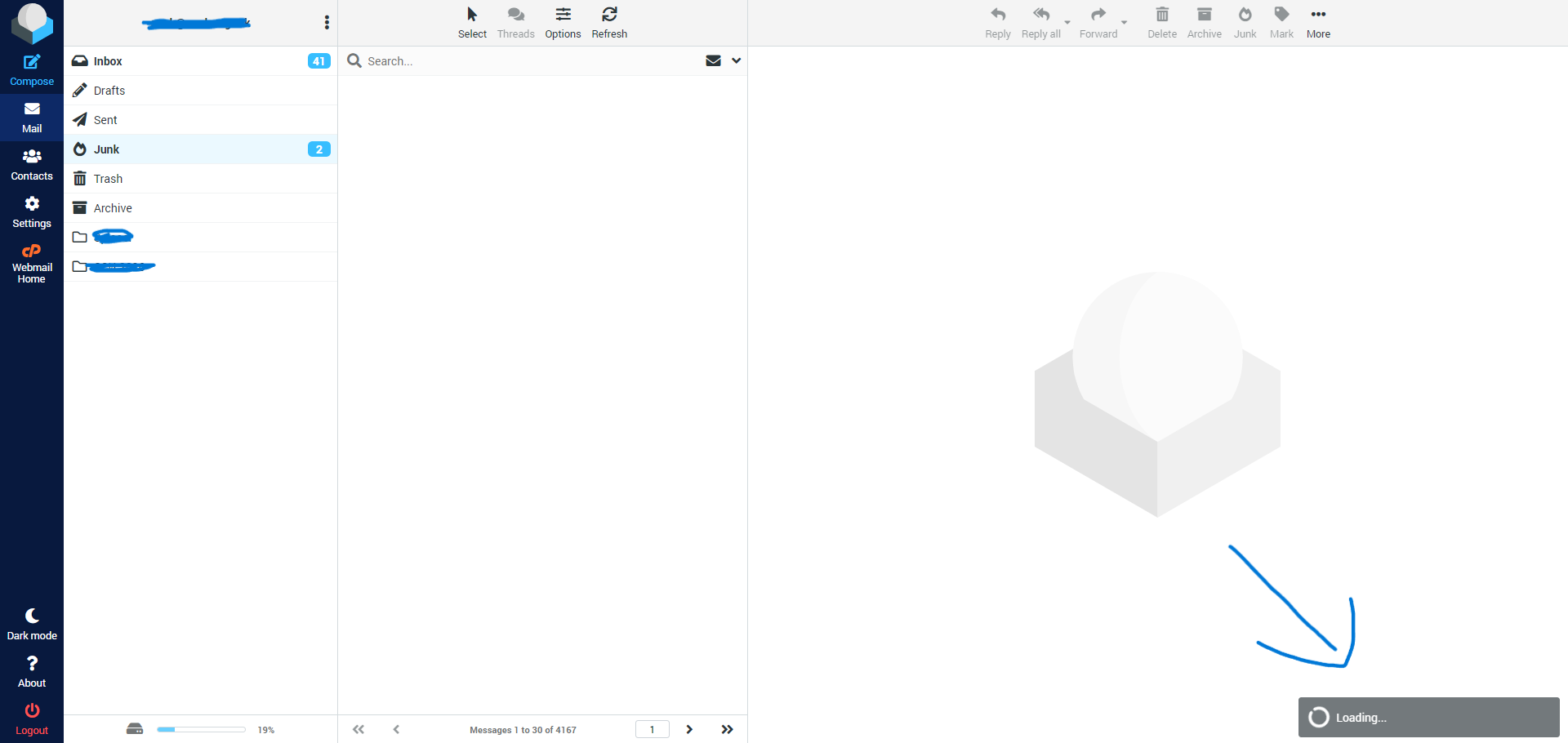
The cPanel account has plenty of room to breathe, so I don't believe it's a standard resource starvation issue. Here are the CloudLinux LVE limits and current usage details for this account:
-
CPU: 2 Cores
-
RAM: 4 GB
-
Entry Processes (EP): 70
-
Number of Processes (NPROC): 200
-
I/O Usage: 20 Mb/s
-
IOPS: 2024
-
Disk Space: 150 GB allocated (currently at ~50% usage)
-
Email Account Limits: All accounts are set to Unlimited storage.
Any help or direction on which logs to tail would be greatly appreciated!
Best regards
-

Hey there! It's interesting that this is happening on just one account.
You mention there is about 75G of usage on the account - is most of that email? If so, it could take a minute, but I wouldn't expect it to be "minutes."
Do you see anything helpful inside the Roundcube log itself? https://support.cpanel.net/hc/en-us/articles/360054983694-Where-can-I-find-the-Roundcube-error-log
0 -
Hello cPRex,
Thanks for your answer.
Just to clarify on the storage: the 75GB is the total usage for the entire cPanel account. The specific email address that is experiencing the issue is only using 9.84GB, so I wouldn't expect it to be lagging this heavily based on its size alone.
I also checked the Roundcube error log like you suggested, but I didn't see anything out of the ordinary or anything that points to this specific problem.
What would you recommend to look at next?
0 -
Honestly I'm not sure - this is likely an issue that would best be handled in a ticket.
0 -
The problem is that I purchased my license through a cPanel partner a couple of years ago, and now this partner no longer collaborates with cPanel. I tried to open a support ticket, but when I enter my server IP, it tells me to contact the cPanel partner.
It's a very frustrating situation and don't know what to do now.
0 -
That's an odd situation for sure. I would recommend reaching out to our Customer Service at cs@cpanel.net and give them details about your license situation and they can let you know the best course of action.
1 -
I managed to quick fix this by by disabling "PHP-FPM service for cPanel Daemons"
in Home / Service Configuration / Service Manager.
https://support.cpanel.net/hc/en-us/articles/1500012339862-Server-reached-max-children-setting-25-consider-raising-it-cPanel-PHP-FPMThis did not work: https://support.cpanel.net/hc/en-us/articles/360049982694-Webmail-Login-stuck-on-Logging-you-in
It's interesting that this problem is only since 2 weeks ago, is this related to an update bug?
Please reply if you found other ways to fix this.0 -
Rares Benea - thanks for sharing that fix. I'm not seeing other complaints outside of this thread so it doesn't seem to be a widespread issue related to an update.
0
Please sign in to leave a comment.
Comments
7 comments