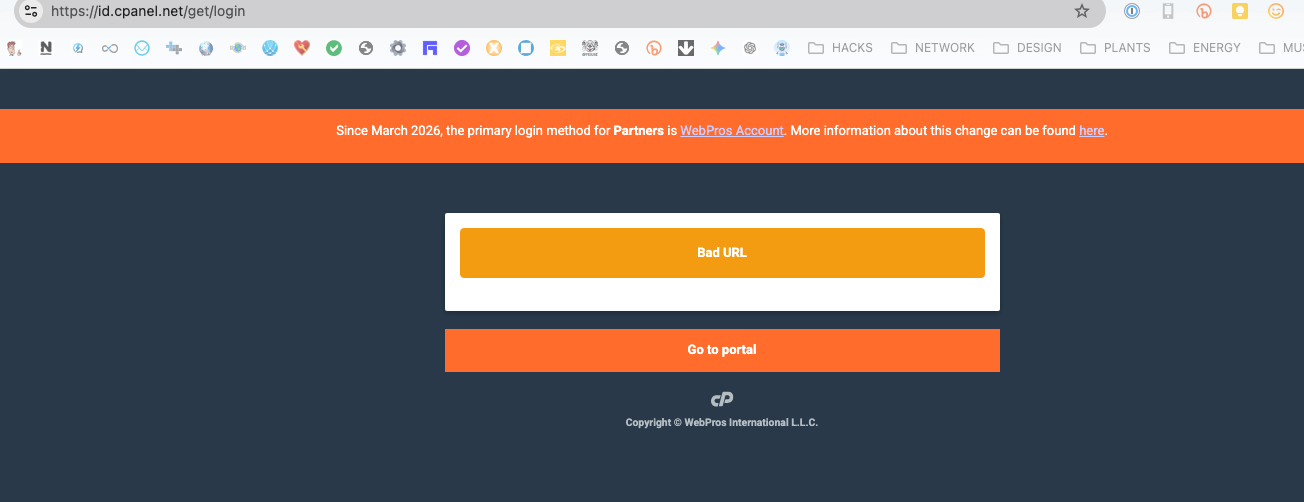
id.cpanel.net/get/login

None of our company's logins are working.
Hard to imagine we are the only ones.
Is there another secret link for partners?
We can't log in, order new services or anything now...
-

Hey hey! I know there were some issues yesterday morning, but they wouldn't align with the time you posted this. Are you still seeing problems now?
0 -
 0
0 -
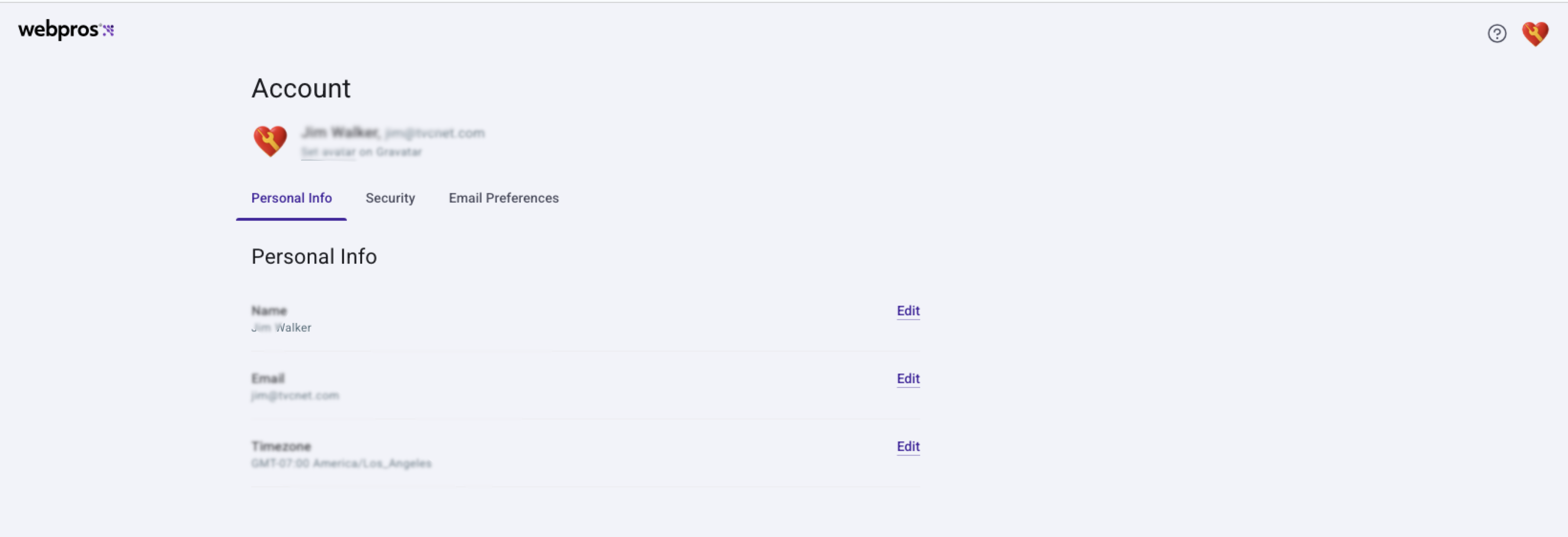
Also, when I click the "...for partners webpros account" link, it shows me a profile page and no links to get out of it.
 0
0 -
I am also getting that "bad URL" when I try that specific link, but I also don't remember seeing that specific URL before either.
What are you trying to access?
0 -
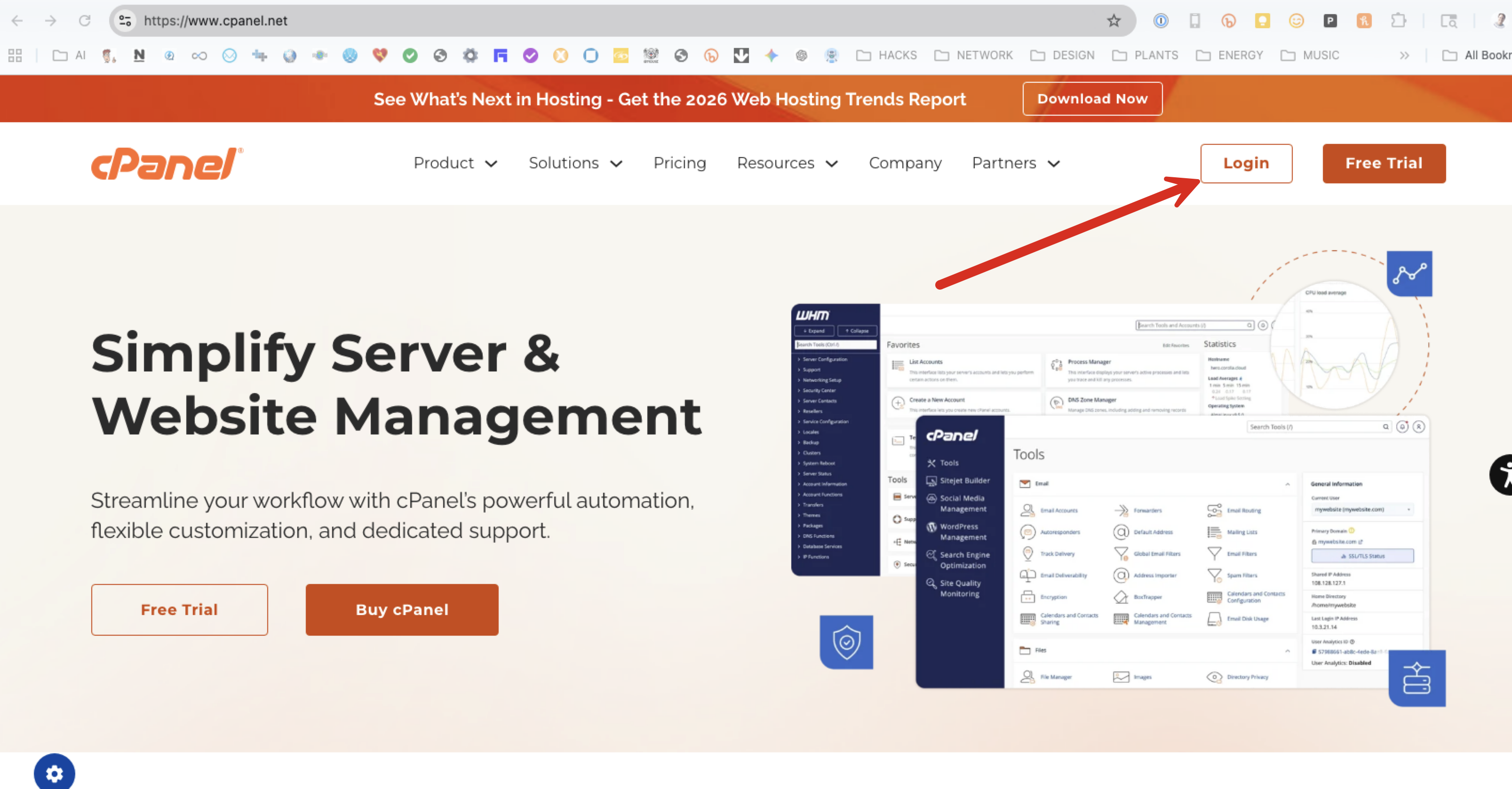
Why is there no correct link to the "new" partner login on your website?
When I go to your site the login link there takes me to a "retail" page with some toxcare entries (retail).
We can't find the partner page from your website.
 0
0 -
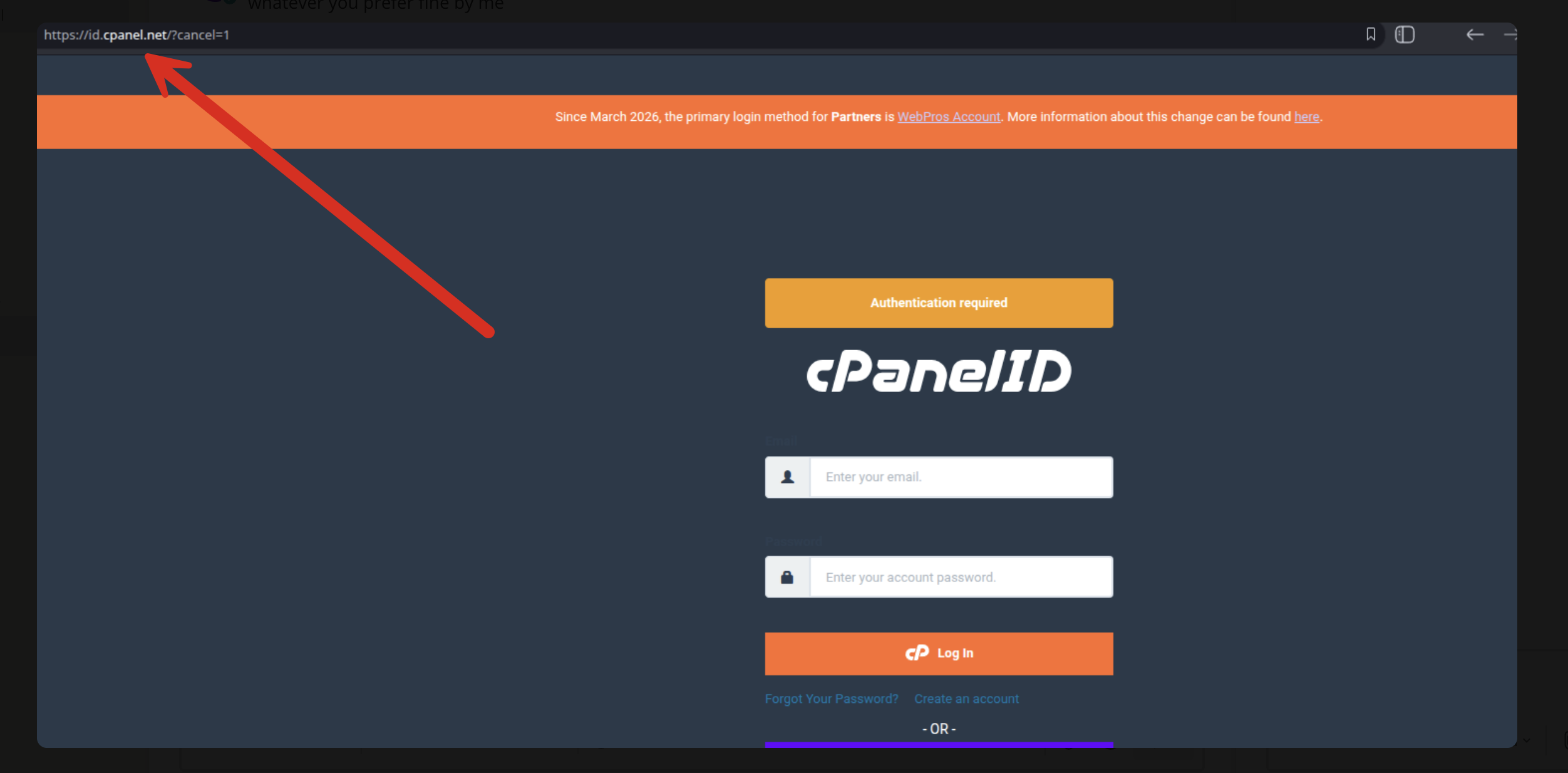
picture of the login page:
 0
0 -
if this is your new login page
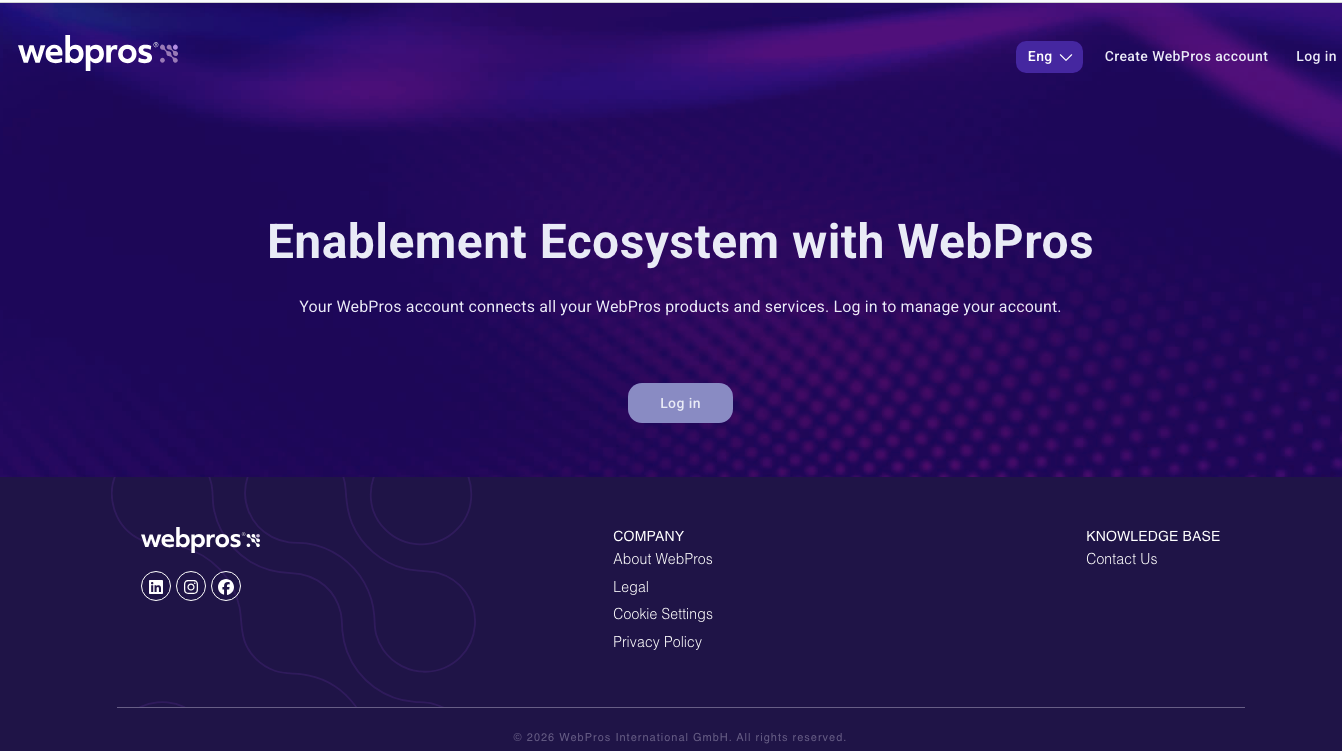
we tried our usual cpanel logins and it just brings us to a profile page, wth no external links (noted in an earlier note above)
0 -
When I click the "login" button at cpanel.net I get taken to https://id.cpanel.net/get/login?url=long_session_key here.
Can you try a different browser to see if this behavior changes?
0 -
different browser, never used, "
Bad URL0 -
trying with a virtual computer:
https://www.youtube.com/watch?v=dqWsR6C2jIg0 -
Thanks for the additional details. I'm getting our Store team involved and I'll let you know what I find out!
0 -
Can you clear your cache and try again? The team released an update about 45 minutes ago that should have resolved this, so it looks like we were previously typing right as that was getting updated.
Let me know!
0 -
Hi,
This issue is still not resolved. When I try to login to manage2.cpanel.net like normal, it redirects me to id.cpanel.net and when logging in with our account like normal, we get the 'No matching user' error.The FAQ page linked there: https://support.cpanel.net/hc/en-us/articles/37484033816471-Changes-to-authentication-in-Manage2-and-cPanel-Store-FAQ says the following:
--------------------Question: I'm a Partner, and I am receiving the error "No Matching User" when I use the Partner login button. What do I do?
Answer: Your Admin for your Partner account will need to create a Manage2 account for you under your company. The Manage2 account and the WebPros account must use the same email address.
--------------------
Is the above relevant to my issue here? Why would this suddenly be changed where we have to create some new Manage2 account? Where do we even do so, as the webpros account login does work, but there is zero management of other accounts available from that page.0 -
OK, I guess I figured it out. I can login to what appears to be the old manage2 interface after clicking the 'partner log in' button.
I would still like an answer about the no matching user error on the original login page though.....0 -
Honestly I'm not going to have much information on this over the Forums - it would be best to reach out to our Customer Service team if you're still seeing issues with this area.
0 -
Clicking the Partners Login Link button was part of the solution to the riddle.
The person managing the development of the login pages needs an assistant maybe...0
Please sign in to leave a comment.
Comments
16 comments