
Question
How do you avoid backups filling up a server's disk space?
Answer
- Log into WHM as
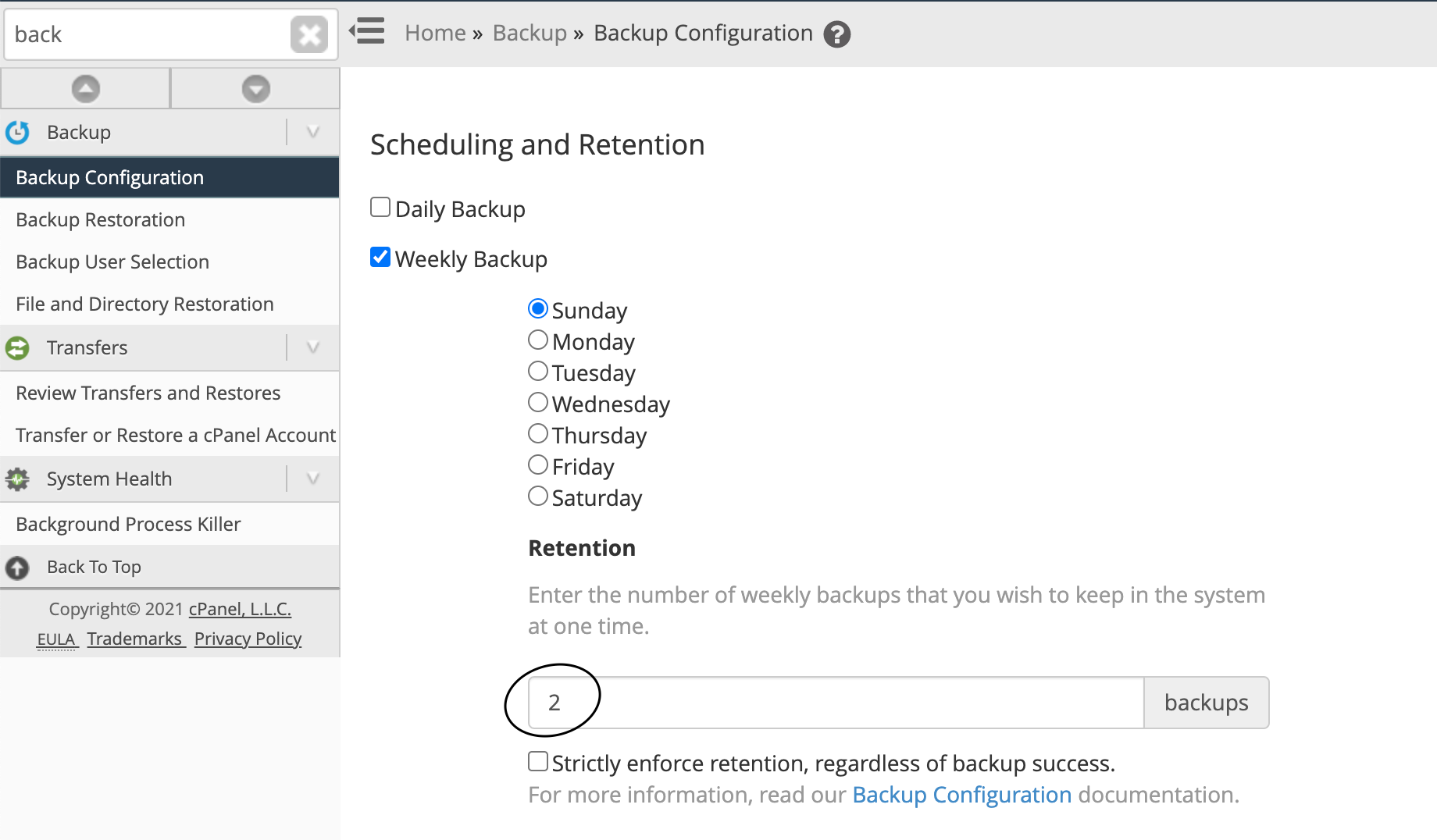
root - Navigate to Home / Backup / Backup Configuration
- Scroll down to Check the available disk space
- Set the percentage you'd like, the higher the value, the better
Note: If the backup is large in size, you will want to make sure the percentage you set are also higher so the backup will not run.
Furthermore, you can also set the retention copies amount lower to ensure backups will not fill up the disk drive as well.
Comments
0 comments
Article is closed for comments.